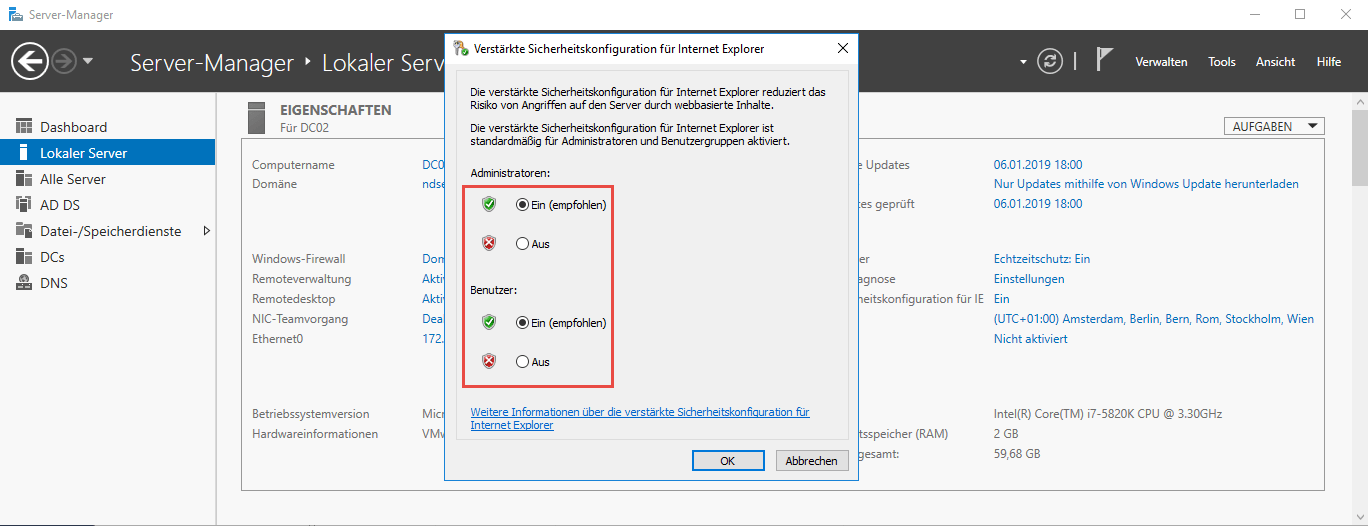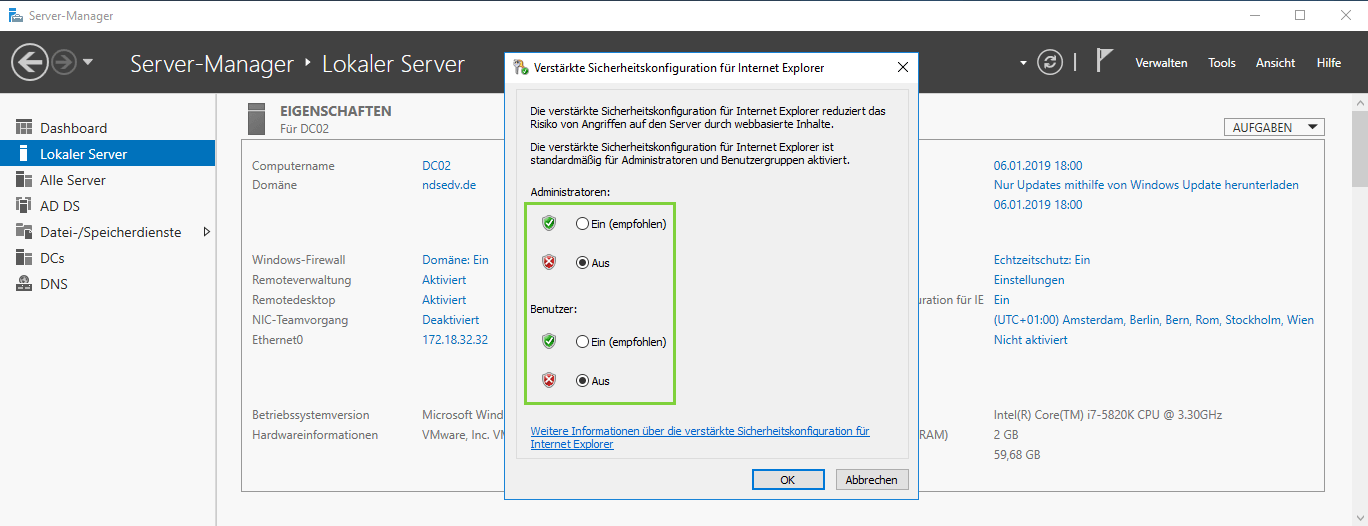
Verstärkte Sicherheitskonfiguration für Internet Explorer ausschalten 11. Januar 2019 Jörn Walter Windows Server 2016How To Disable Internet Explorer Enhanced Security Configuration on Windows ServerDisable Internet Explorer Enhanced Security for AdminsPowershell anzeigenWindows Registry Editor Version 5.00[HKEY_LOCAL_MACHINE\SOFTWARE\Microsoft\Active Setup\Installed Components\] “IsInstalled”=dword:00000000 [HKEY_LOCAL_MACHINE\SOFTWARE\Microsoft\Active Setup\Installed Components\{A509B1A7-37EF-4b3f-8CFC-4F3A74704073}] “IsInstalled”=dword:00000000Disable Internet Explorer Enhanced Security for UsersPowershell anzeigenWindows Registry Editor Version 5.00[HKEY_LOCAL_MACHINE\SOFTWARE\Microsoft\Active Setup\Installed Components\] “IsInstalled”=dword:00000000 [HKEY_LOCAL_MACHINE\SOFTWARE\Microsoft\Active Setup\Installed Components\{A509B1A8-37EF-4b3f-8CFC-4F3A74704073}] “IsInstalled”=dword:00000000